
Buying?
Compare the home’s recorded sales with nearby ones and ask about any differences you spot.
Snap-a-Home · PropertyZoom Scan
Take a photo or start with a postcode.
Choose the exact address.
Scan to see what’s available, sold prices, energy ratings and what’s nearby.
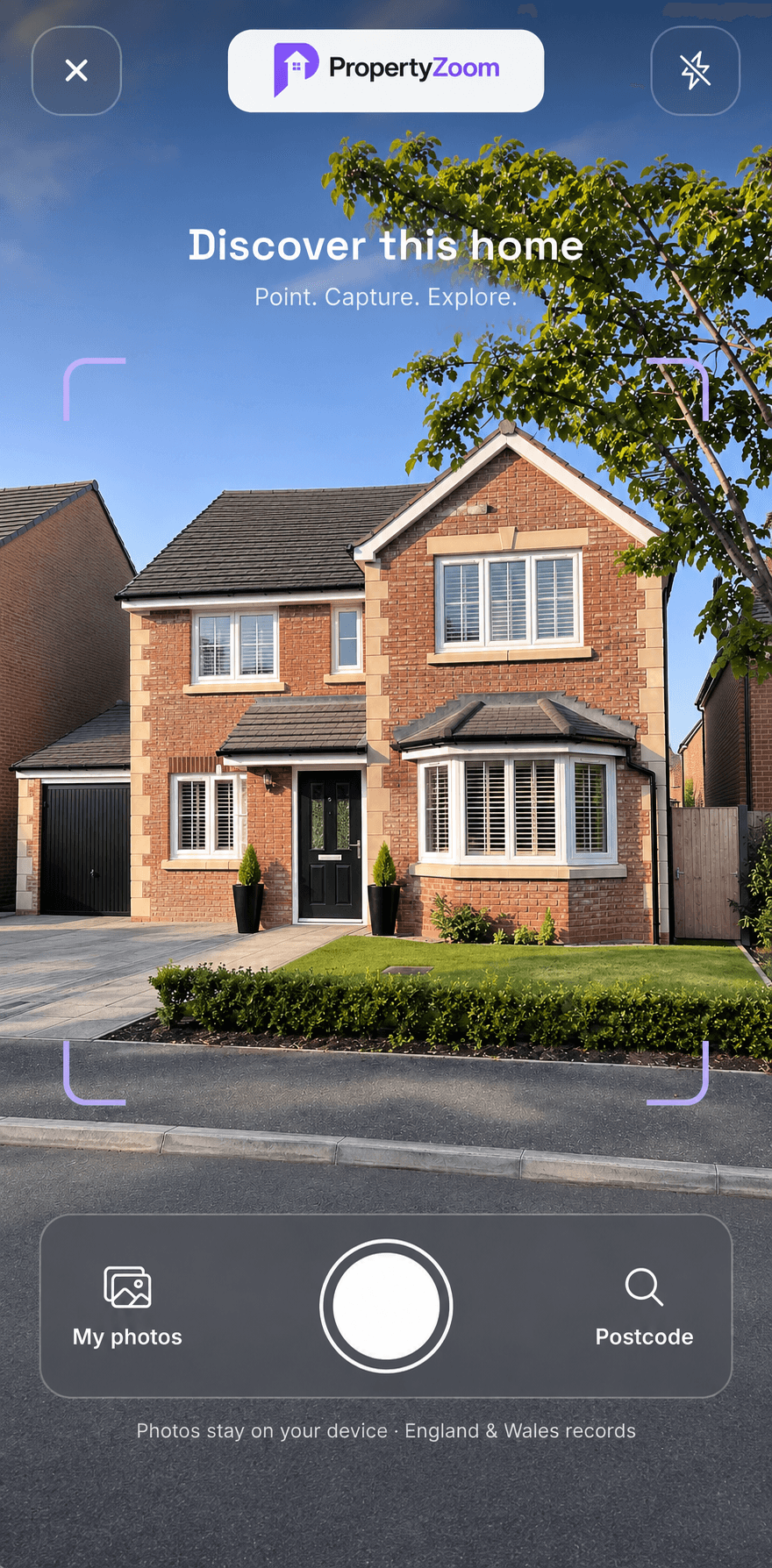
Start from anywhere
Checking a home from your sofa or while you’re out? Enter a supported postcode and choose the address. Scan brings together the available records for the home you picked.
Walk through a ScanBefore you make a move
Compare the home’s recorded sales with nearby ones and ask about any differences you spot.
Check the available EPC and get a feel for the commute, shops and services before you visit.
Put recorded sales and nearby listings side by side as a starting point for your research.
How it works
Start with a photo or postcode, then pick the exact address from the list.
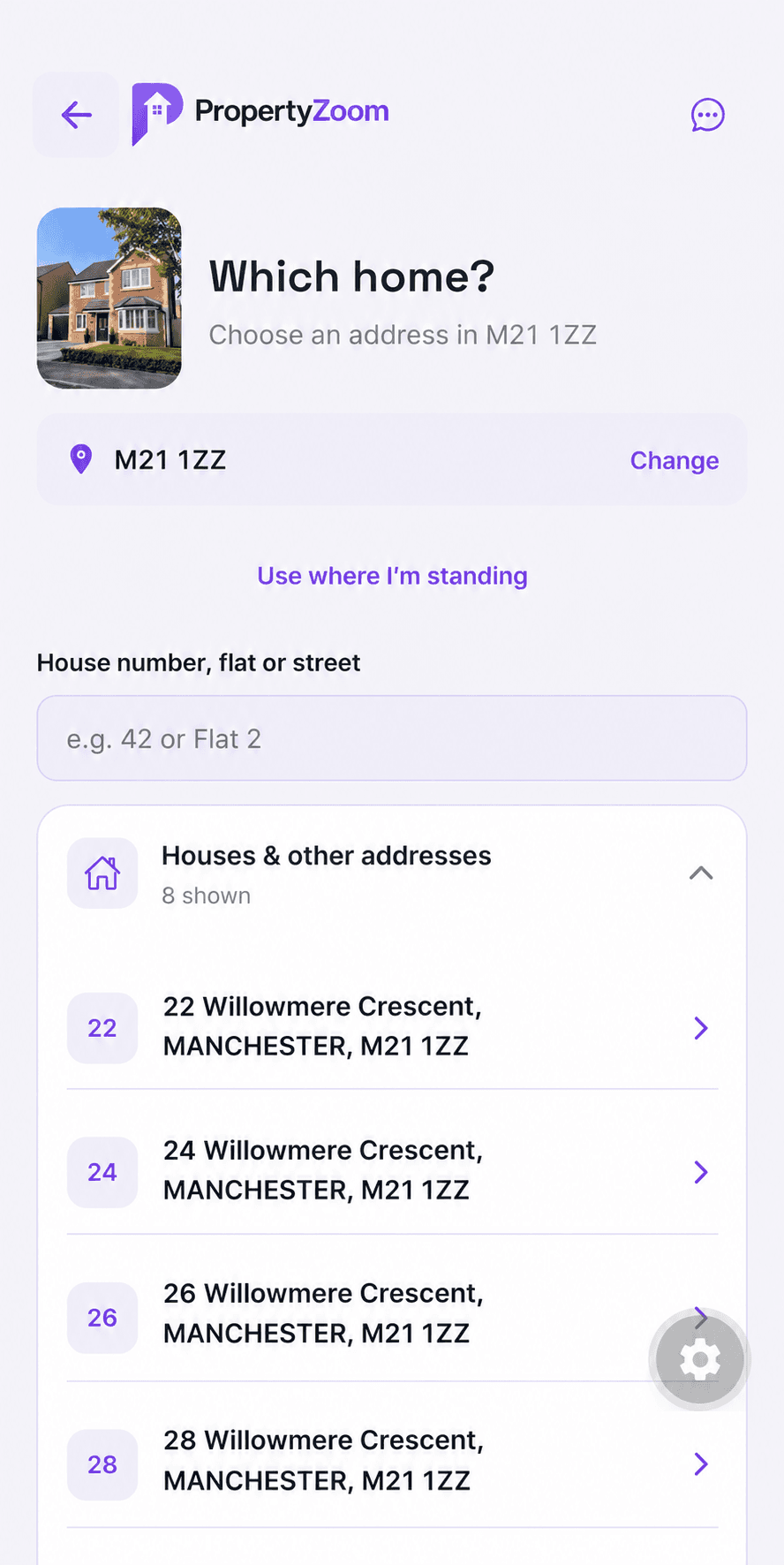
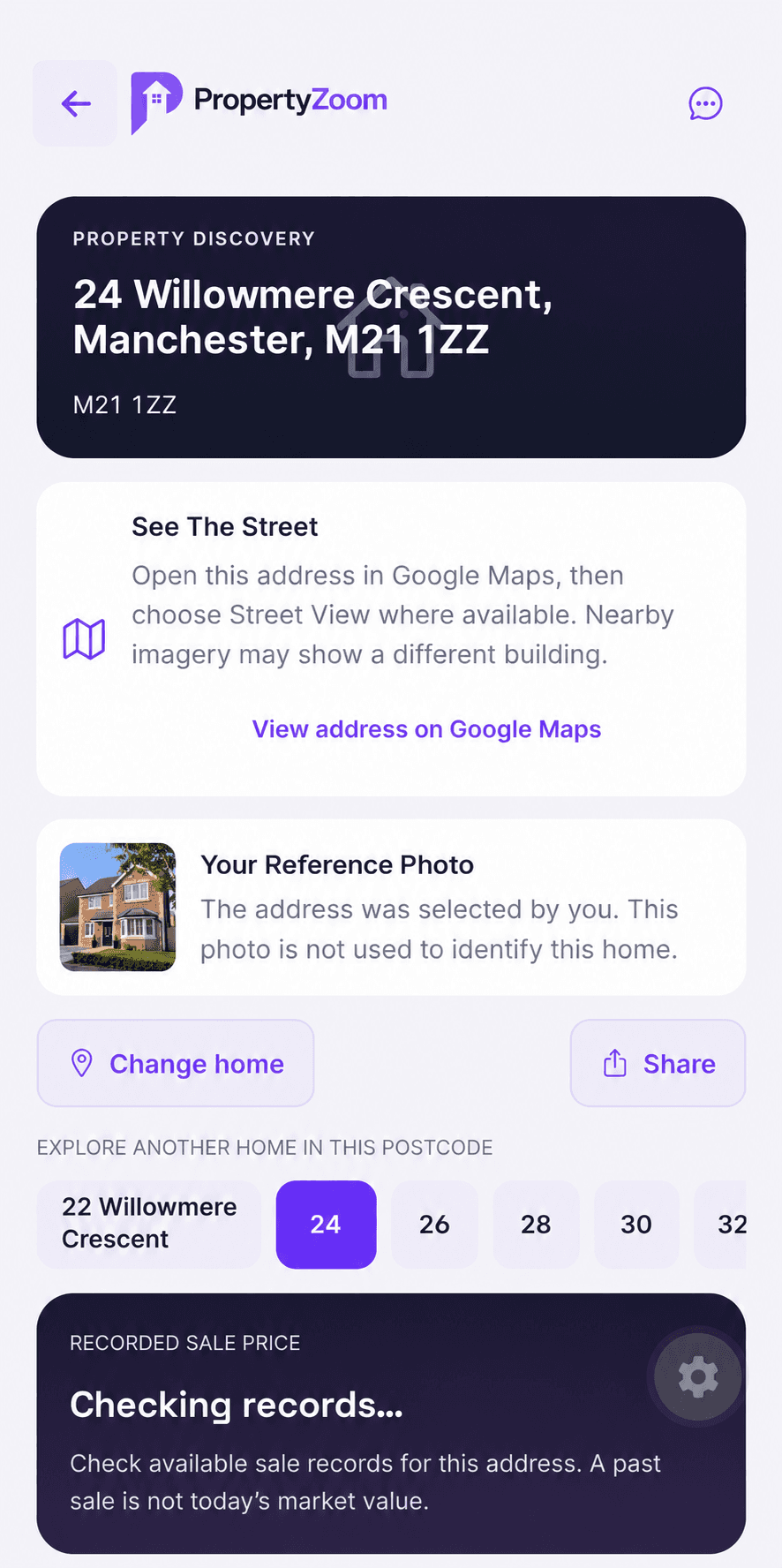
Check your selected address and reference photo, or open it in Google Maps.
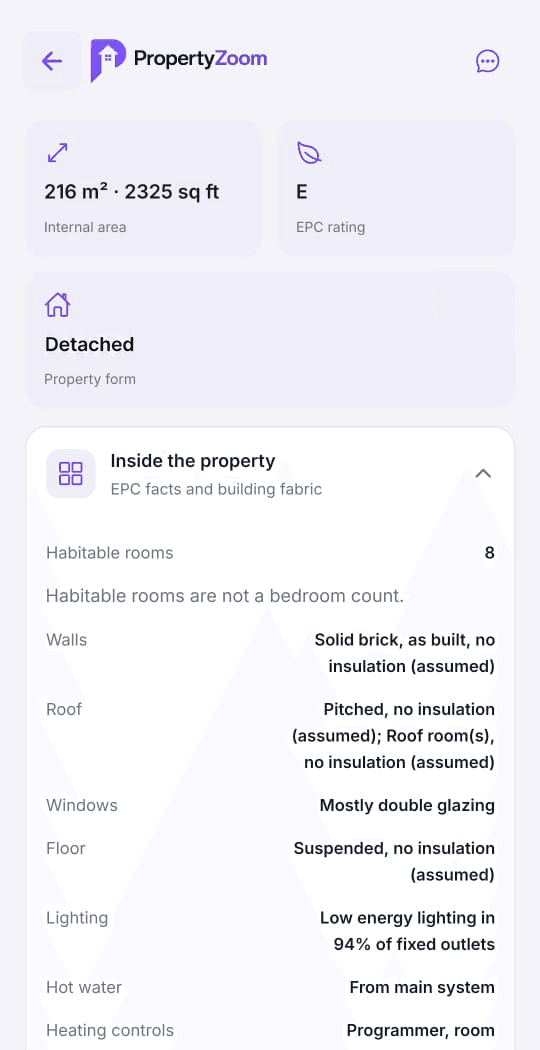
See available EPC ratings, floor area, building details and recorded sales.
Inside a Scan
Compare the homes you’re considering, whether you’re buying, renting or investing. You can look up a home even when it’s off the market.
01 / PROPERTY & ENERGY
See recorded floor area, property type and construction details, plus current and potential EPC ratings. Heating, hot water and lighting figures are historical EPC estimates where available.
02 / SALES & COMPARISONS
Read recorded sales matched to the address. Nearby sales and listings appear separately so you can compare them without mixing them up with the home’s own history.
03 / THE NEIGHBOURHOOD
Check approximate distances to transport, schools, healthcare and shops. Reported crime figures may also be available for the area.
04 / LISTING MATCH
If an active PropertyZoom listing matches the exact address, Scan can show its photos and listing details.
Good to know
A photo is a visual reference. You confirm the home by entering a postcode and choosing its exact address from the results.
Yes. Use manual postcode search for supported addresses in England and Wales. A home can have public records even if it is not listed for sale or rent.
Coverage varies by address. Some homes have gaps in their energy or sale records. EPC cost figures are historical estimates and may differ from current bills.
Snap-a-Home is available now in the PropertyZoom app on iOS and Android.
The PropertyZoom app
Download PropertyZoom on iOS or Android to try Snap-a-Home.